
Turn Your Phone Sideways: Landscape Cooking Mode
Angel Azcarraga · September 1, 2026
Cooking from a phone held upright means you get about two steps on screen at once. So you read a step, do the thing, and then — hands wet, or greasy, or holding a pan — you scroll. Then you scroll back because you can't remember whether it was two cloves or three.
The phone in your hand is perfectly capable of showing you more. It's just pointed the wrong way.
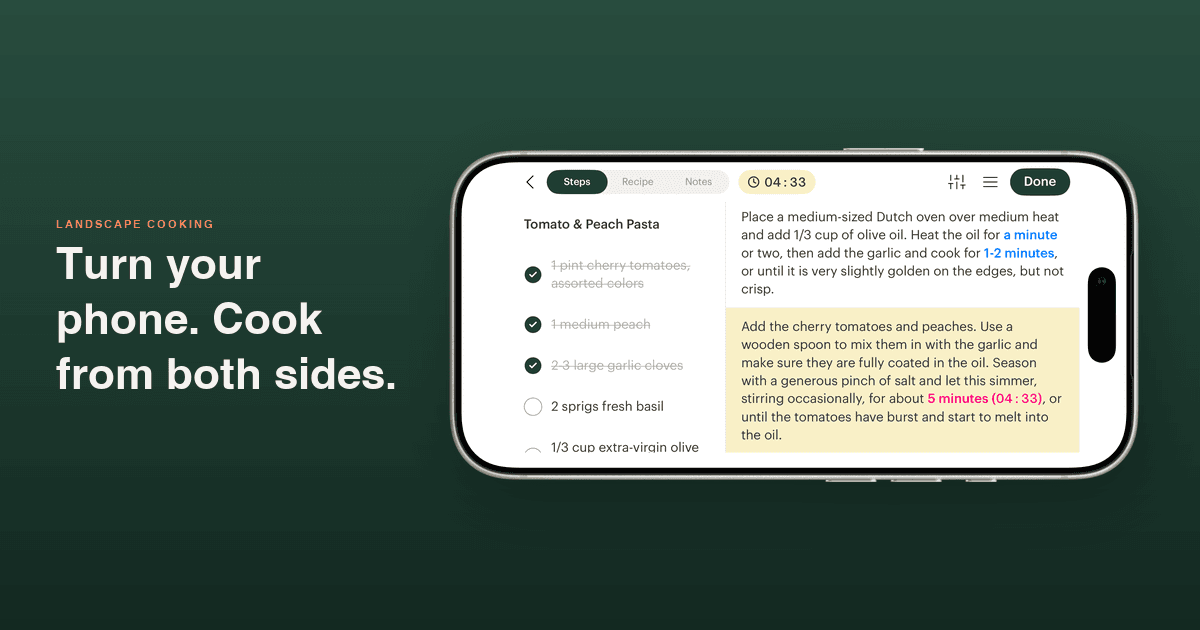
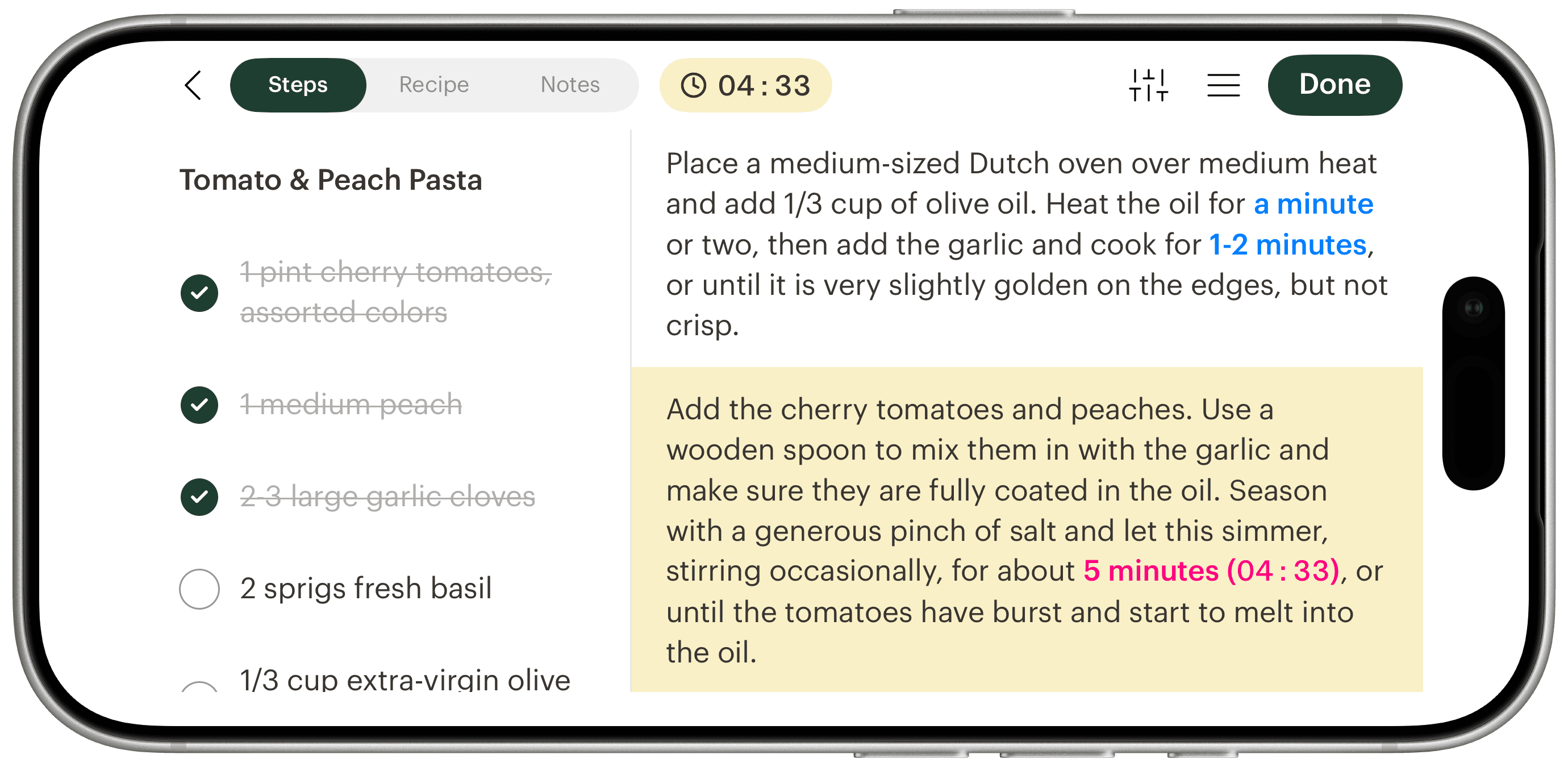
Turn it sideways during a cooking session and Deglaze puts ingredients and instructions side by side. No setting, no button. Just rotate.
The same step, both ways
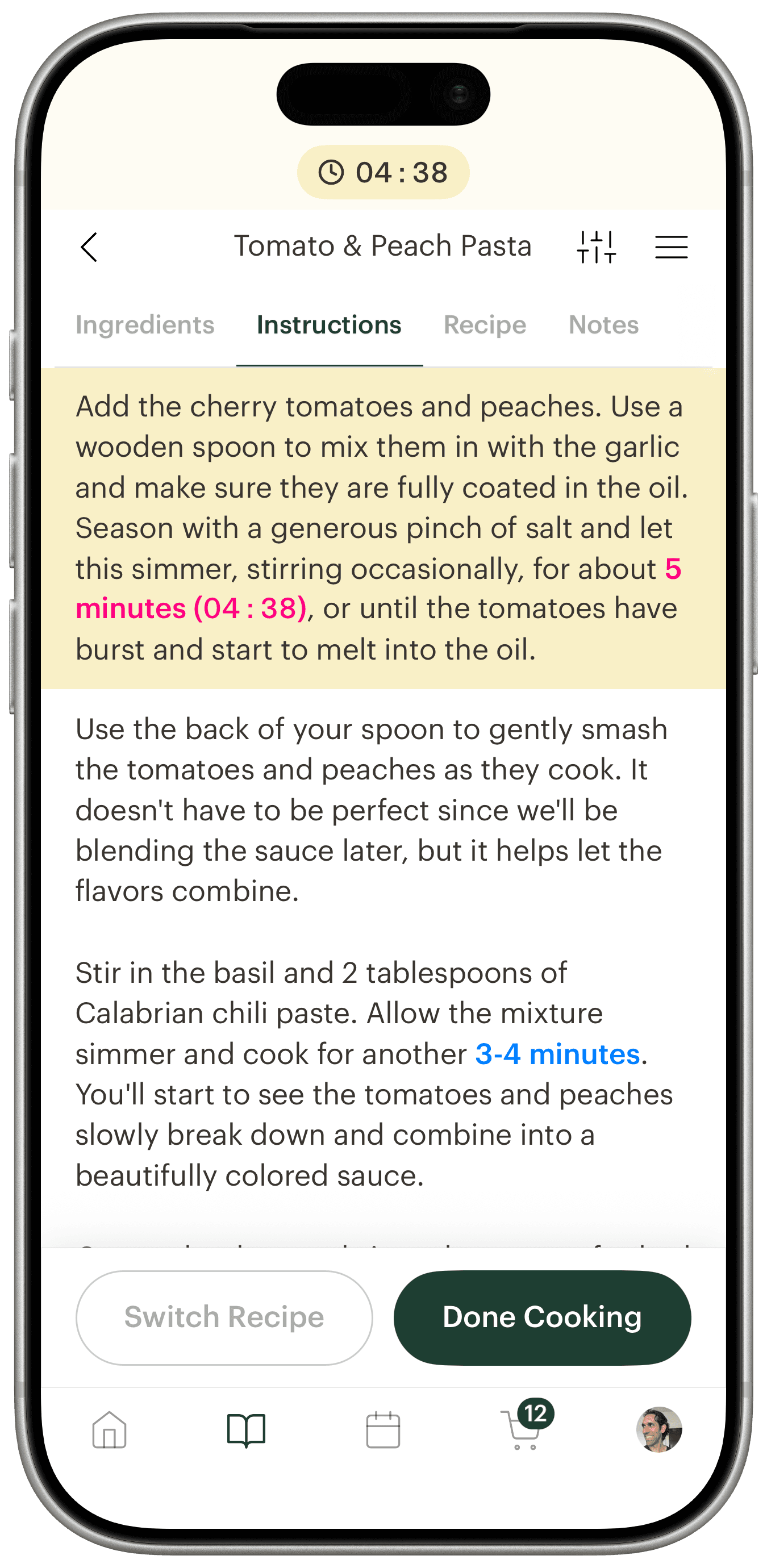
Same recipe, same step, same moment. Upright, the ingredient list is on another tab. Sideways, it's right there — with what you've already used checked off — next to the step you're on.
It works with everything else in the session. Timers keep running and stay visible in the row. Recipe scaling is in the same cluster of controls, so doubling a recipe mid-cook still works. If you have inline ingredients turned on, quantities still appear inside each step — and side by side with the full list, you can check both without moving.
Where to find it
Start cooking any recipe, then turn your phone. That's the whole thing.
Landscape cooking mode works on iPhone, and it's part of the free plan — no subscription needed. If your library needs a tidy before your next cook, grid view makes finding something a lot faster on a tablet.
Download Deglaze for iPhone, iPad, or Android; new users get a free trial of Deglaze Pro for unlimited imports, meal planning, and smart grocery lists.