
The Deglaze Blog
Our quest to build the world’s
best recipe app
Latest
New to Deglaze? Start here
Deglaze has helped hundreds of thousands of home cooks build a more enjoyable and efficient cooking routine by making it easy to organize your recipes, grocery shop, meal plan, and cook. Are you next?
Jacob Edelstein · Jan 23, 2026
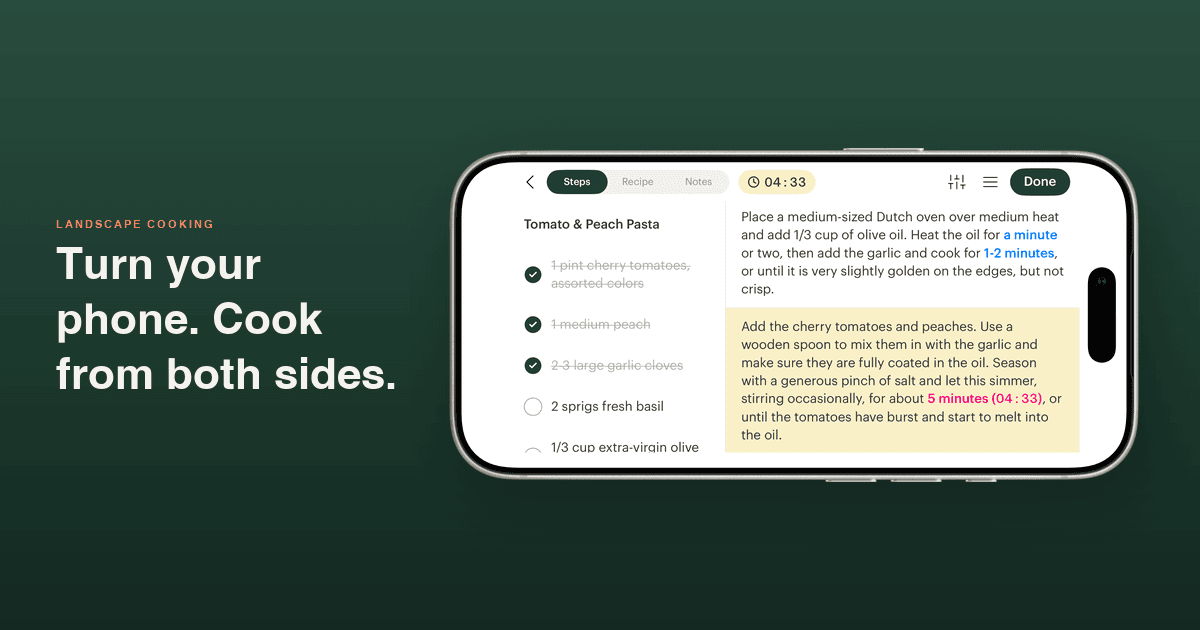
Turn Your Phone Sideways: Landscape Cooking Mode
Angel Azcarraga · Sep 1, 2026
Turn your phone sideways during a cooking session and Deglaze puts your ingredients and your instructions on screen together — so you stop scrolling back and forth between them with your hands full.

Your Recipe Library, Photos First: Grid View on iPad and iPhone
Angel Azcarraga · Sep 1, 2026
Deglaze lays your recipe library out as a grid of photos rather than a list of rows — as many columns as your screen has room for on iPad and Android tablets, and a two-column option you can toggle on your phone.
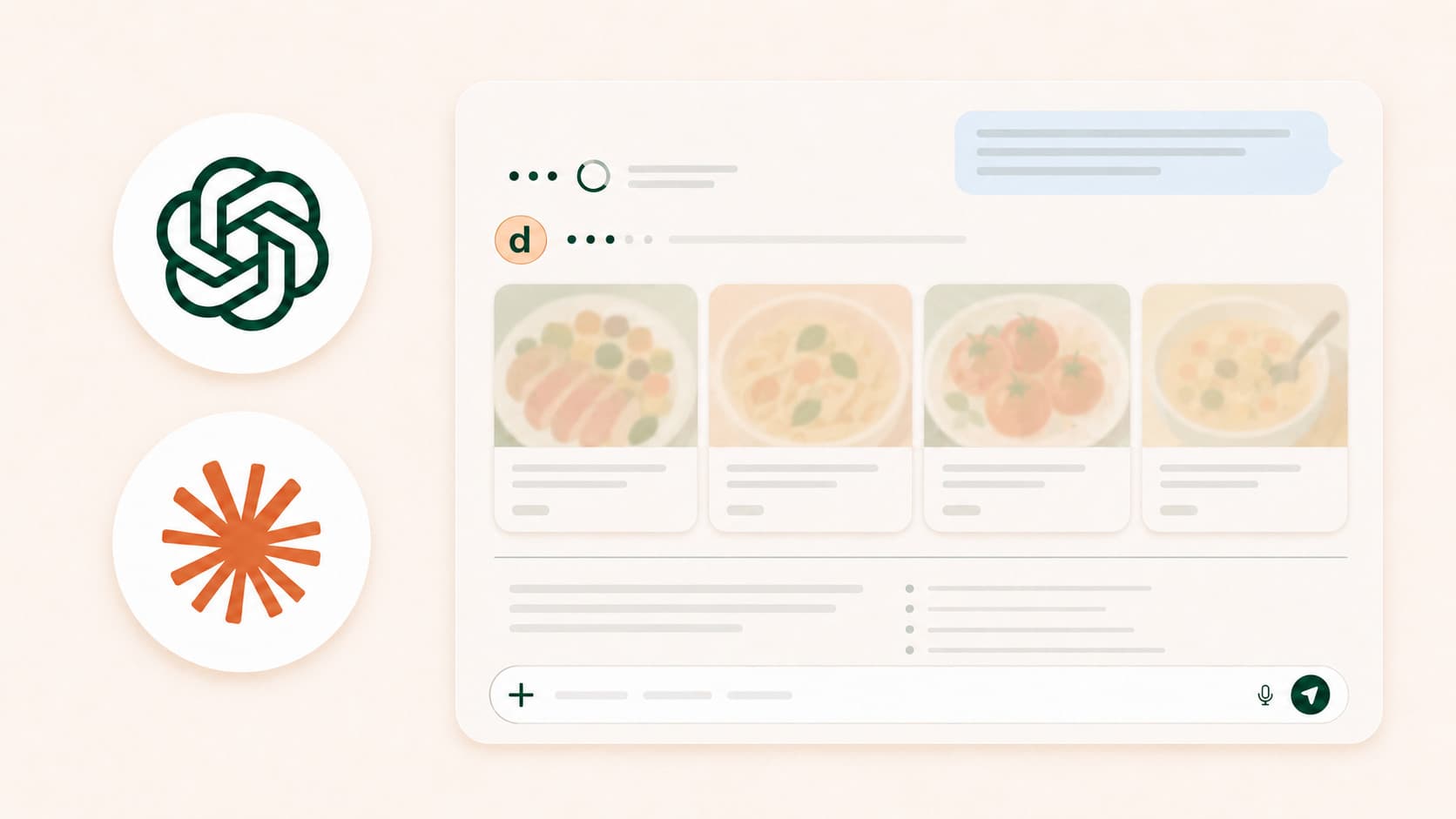
You Can Now Use Deglaze with ChatGPT and Claude
Jacob Edelstein · Aug 27, 2026
The new Deglaze connector — an MCP server — gives Claude and ChatGPT access to your recipe library, cooking history, grocery list, and meal plan, so you can ask an AI that actually knows what you like to cook.

Organize Recipes as You Save Them — and Catch the Rest Later
Angel Azcarraga · Jul 22, 2026
The Deglaze share sheet now lets you add a recipe to your collections — or spin up a new one — at the moment you save it. And for everything you skipped, the new To Organize view in Recently Added shows exactly which recipes still need a home.
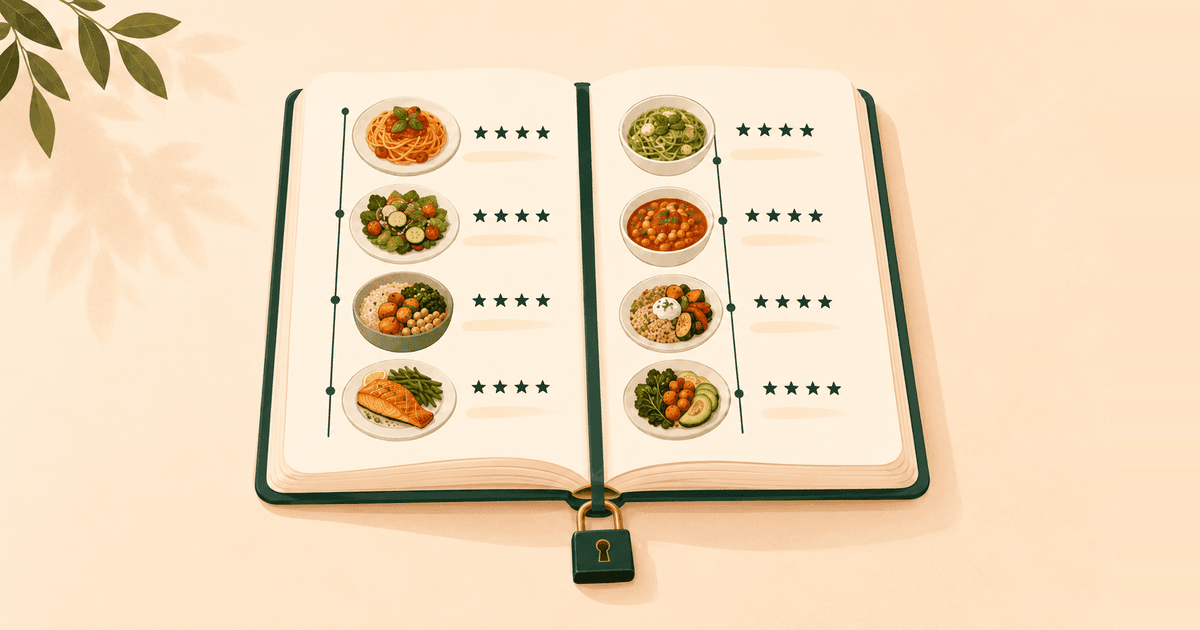
Meet Your Cooking History: Everything You've Cooked, in One Place
Angel Azcarraga · Jul 13, 2026
Your profile now keeps your full cooking history — every session, posted or not — in one place, visible only to you. Private profiles let you control who sees your posts. And upcoming AI features will plan meals and create recipes using your history as context.
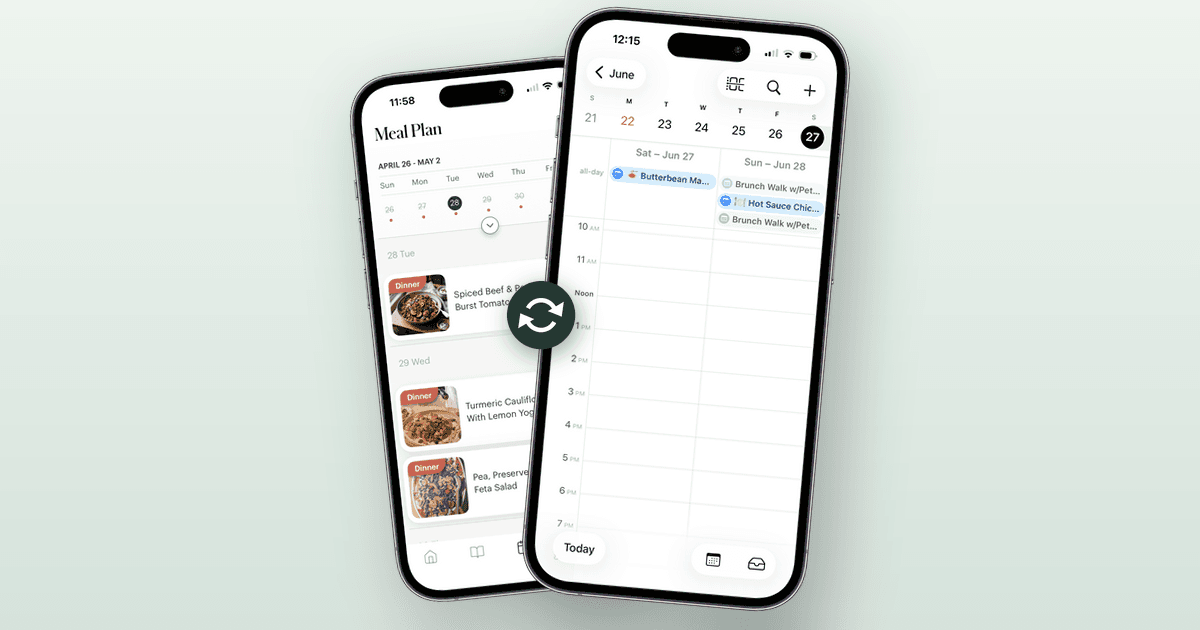
Your Meal Plan, Now on Your Calendar
Angel Azcarraga · Jun 22, 2026
Calendar sync puts your Deglaze meal plan in Apple Calendar, Google Calendar, or Outlook. Your planned dinners show up next to the rest of your day, the plan stays in sync automatically, and tapping a meal opens the recipe in Deglaze.